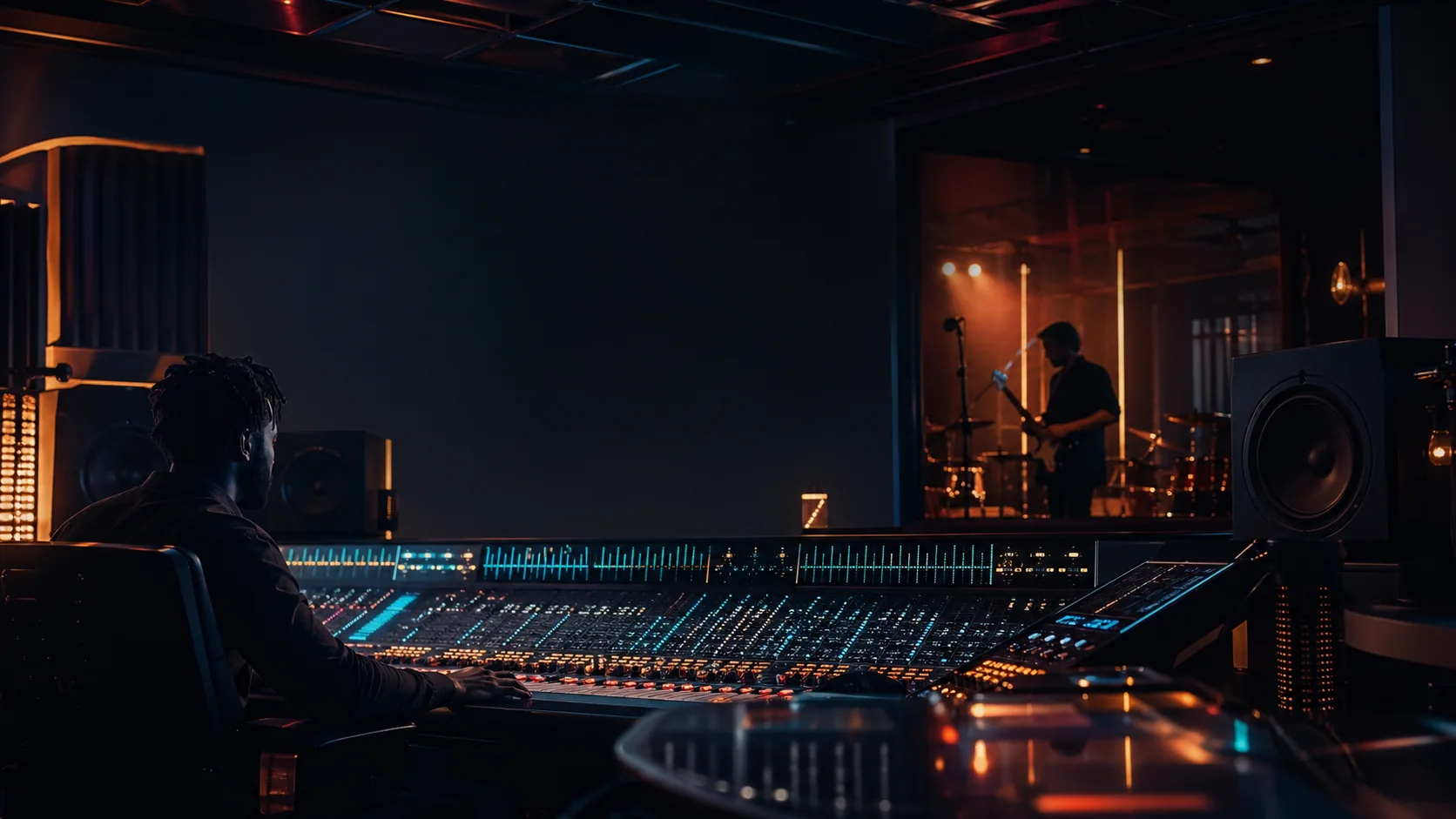

Snowflakes falling
Pop · K-pop · Female vocals
AI music from a text prompt
Generate original music from text with AI vocals. Choose a style and mood, preview your result, and download tracks for your videos and projects.
Credit use is shown before generation and varies by model and settings.
Listen to sample tracks
Listen to short examples across vocal pop, rap, post-rock, drum & bass, UK garage, and amapiano. Each track starts with a different musical direction.
Pop · K-pop · Female vocals

Boom-bap · Rap · Male vocals

Post-rock · Delay · Slow build

Drum & bass · Fast breakbeats

UK garage · 2-step · Warm bass
Amapiano · Log drums · Smooth keys
PROMPT IDEAS
Start with a use case, then adjust the mood, instruments, and vocal direction. These are editable examples, not the prompts used to create the sample tracks.
Warm lo-fi instrumental, soft electric piano, brushed drums, steady relaxed groove, restrained melody, no vocals.
Leave space for speech. Listen under your actual narration before deciding on the balance.
Use this promptIntimate acoustic pop, fingerpicked guitar, warm lead vocal, quiet first verse, fuller chorus, hopeful mood.
Put the words you want sung in the lyrics field; keep production notes in the style description.
Use this promptInstrumental ambient soundtrack, gentle synth pads, sparse bell accents, slow evolving texture, calm exploration mood.
Audition the transition if you plan to loop it. A generated ending may need an edit.
Use this promptBright electronic pop, punchy drums, rhythmic bass, short melodic hook, energetic entrance, instrumental.
Choose one main idea. Too many competing genres or instruments can make the direction less clear.
Use this promptFrom a prompt to a song
Start with the sound you have in mind—genre, mood, tempo, instruments, or vocal style. Pick a music model and adjust the settings it supports.
Create Music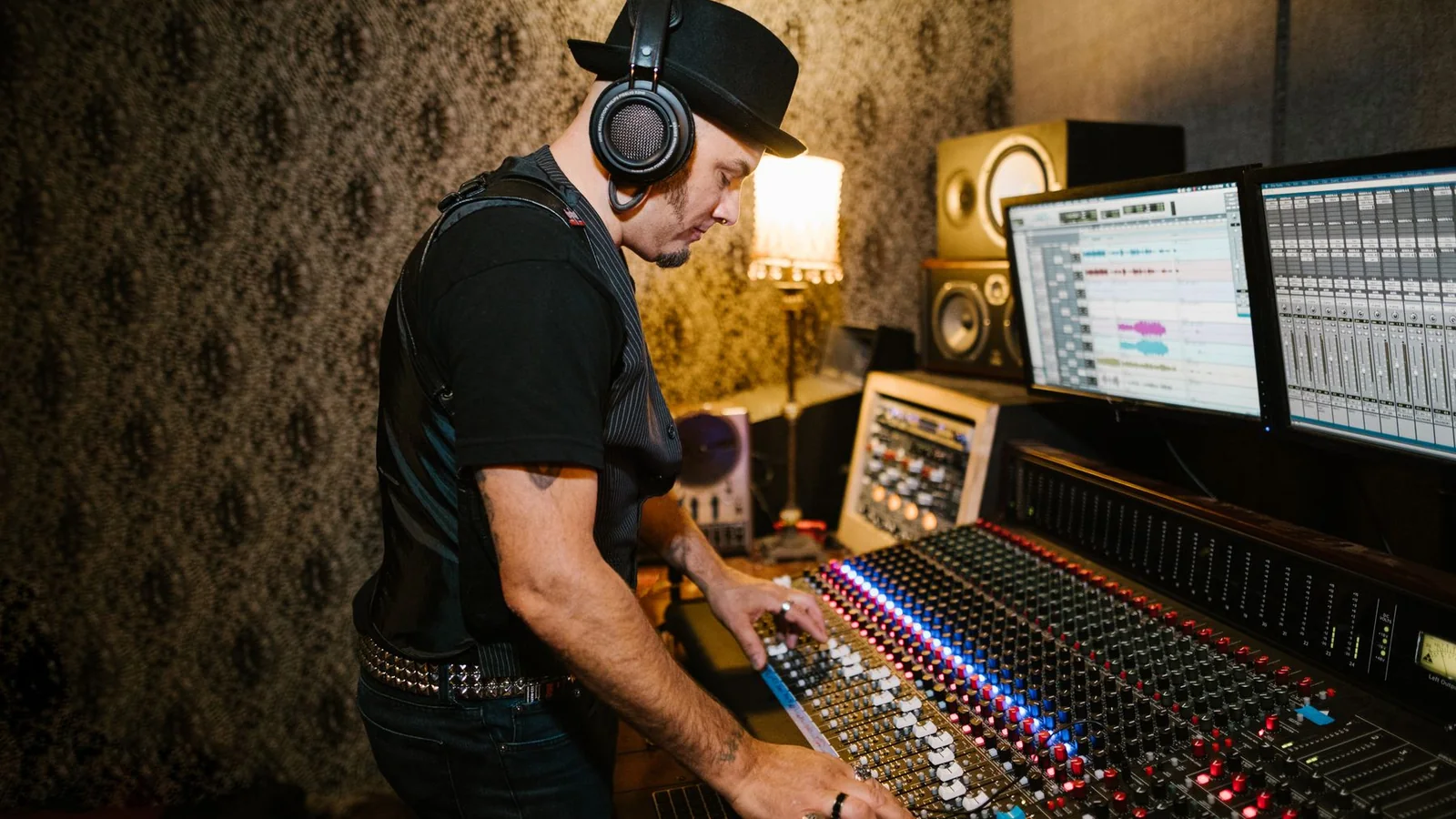
Step 1
Add a genre, mood, tempo, instruments, or lyric direction to give the selected model a clear starting point.
Step 2
Review the available music models and choose vocal or instrumental settings when supported.
Step 3
Try another prompt or adjust the available settings, then keep the result that fits your project.
Music for your creative workflow
Find a musical direction for the videos, streams, short clips, and podcasts you make.

Explore original music ideas for YouTube videos, reviews, tutorials, unboxings, and vlogs.

Try music directions for gaming streams, live commentary, and highlight reels.

Explore music for Reels, Shorts, and other short-form video edits.
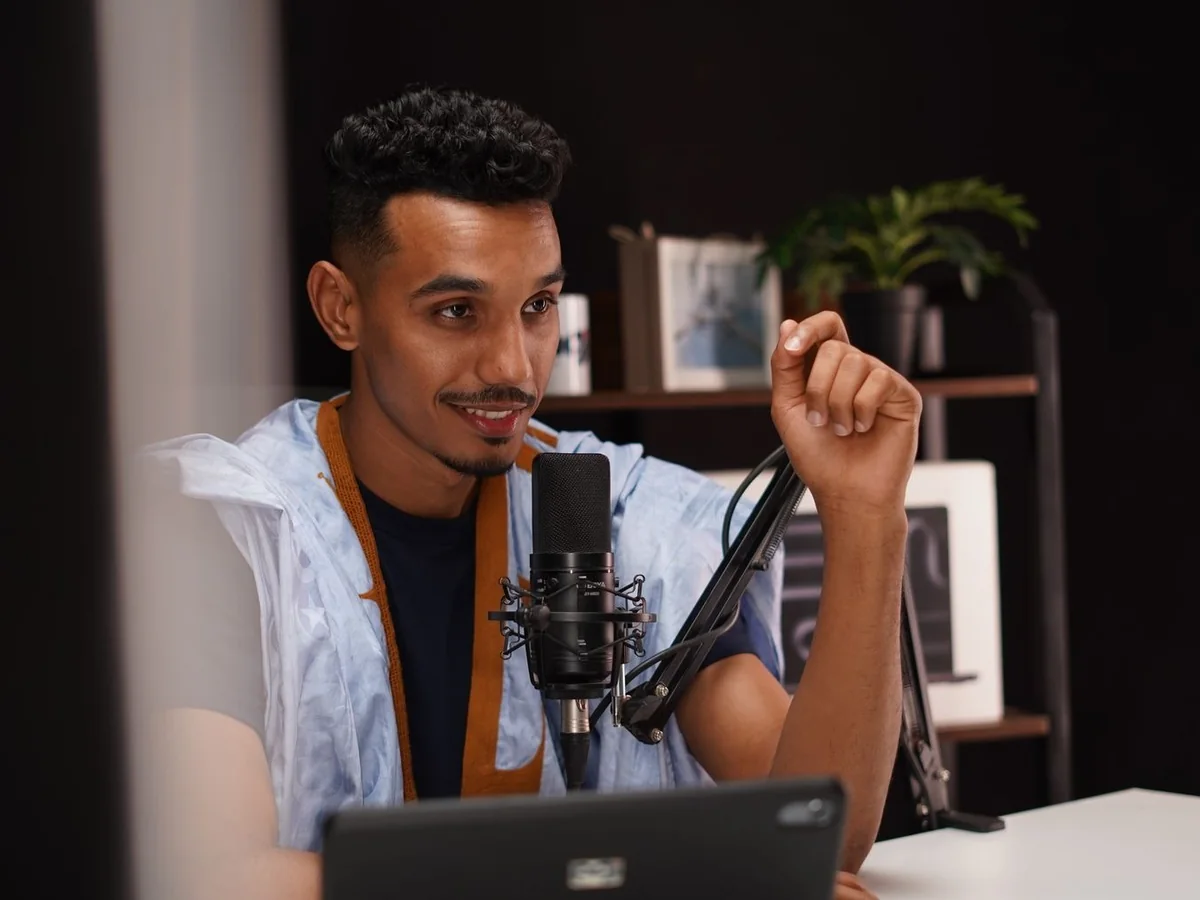
Find an original music bed for podcasts, interviews, explainers, and audio stories.
Prompts, vocals, and controls
Start with a text prompt, then use the model options and controls available for your track.
Describe a genre, mood, tempo, instruments, or lyric direction to start a song.
Choose vocal or instrumental settings when the selected music model supports them.
Review each model’s available settings and credit use before generating.
AI music generator FAQ
Model options and credit use can vary. Review the selected model and its settings before generating.
Describe the genre, mood, tempo, instruments, and vocal style in a prompt. The selected AI song generator turns that direction into audio; results vary by model and prompt.
Yes, with a music model that supports vocals. An AI music generator with vocals may offer different controls and results depending on the model you choose.
Choose an instrumental option when it is available for the selected model. Check the model controls before you submit.
Credit use depends on the selected model and settings. The studio shows the applicable cost before you start a generation.
Experience AI music generation. Create tracks in different styles with AI Music Generator.